Your menu, learned by heart — and answering guests 24/7
Upload your menu once. Aedan Rose learns every dish, price, ingredient and allergen, then answers guest questions around the clock — handling dietary requests and guiding diners to the perfect order, in over 100 languages.
Included on every plan · Free plan to start · No credit card · Setup in under a minute
Upload a PDF
Aedan Rose reads your menu and learns every dish, price, ingredient and allergen — setup in under a minute.
Answers 24/7
Guests get accurate menu answers around the clock, in over 100 languages — no server pulled away.
Dietary-aware
Handles gluten-free, vegan, allergen and ingredient questions with safe, specific alternatives.
Always current
Change a price or add a special and it goes live in seconds — no re-training, no stale answers.
From menu question to placed order
Real product, real screens. Aedan Rose doesn't just answer — it turns menu curiosity into confident orders, then rolls it all up in one live view.
Turn menu questions into placed orders
Instead of a flat “yes, we have that,” Aedan Rose names the exact dish, suggests a pairing, and guides the guest to checkout. Every dietary swap and ingredient question becomes a confident order — not a lost sale.
- Recommends specific dishes by name, not vague yes/no answers
- Handles gluten-free, allergen and dietary requests with safe alternatives
- Suggests pairings the moment a guest is ready to order
Every allergen and dietary need, answered with care
“Is this gluten-free?” “What has nuts?” “Do you have vegan options?” Aedan Rose knows your menu inside and out, answers accurately every time, and proactively points guests to safe, delicious alternatives.
- Identifies vegan, gluten-free and allergen info across your menu
- Suggests safe alternatives instead of a dead-end “no”
- Natural conversation, not robotic ingredient lists
Watch your menu perform, in one live dashboard
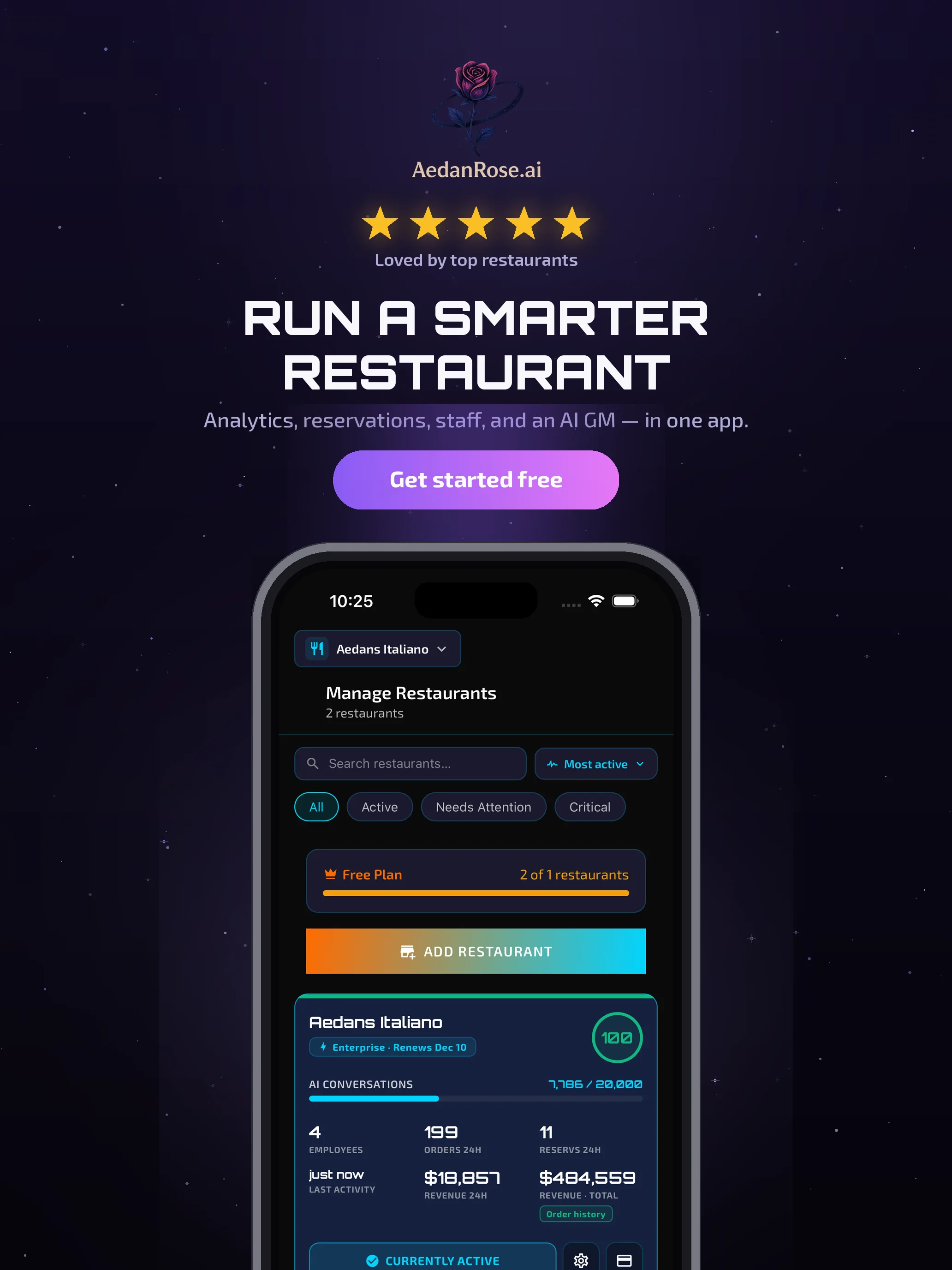
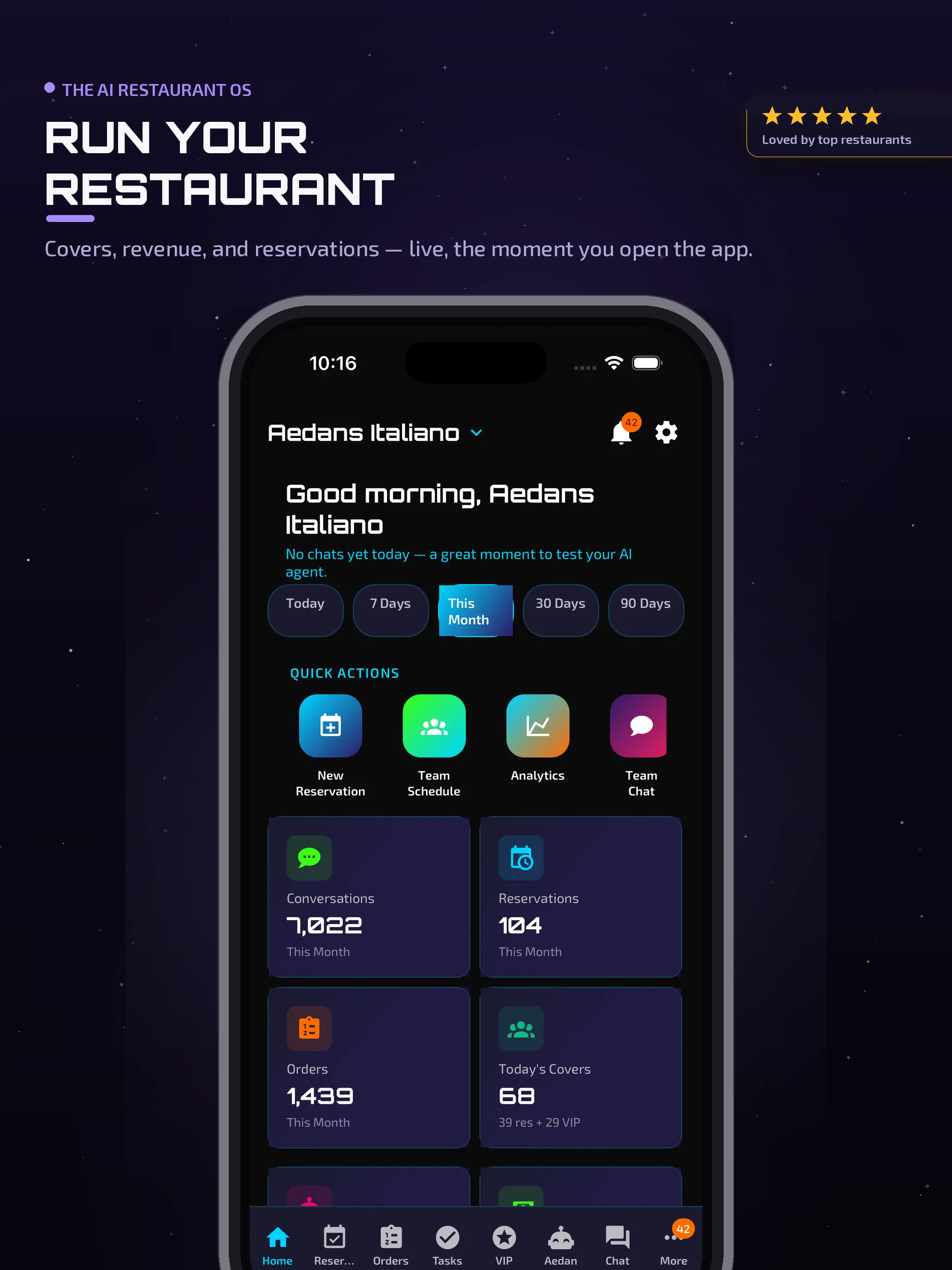
Orders, revenue and guest activity land on a single screen. See which dishes are moving and how it all rolls up — without stitching together five separate tools.
- Orders, revenue and menu activity, live and unified
- Revenue analytics unlock on the Online Ordering plan and up
- Full web dashboard plus free iOS and Android team apps
Upload once. Answer thousands of questions automatically.
Aedan Rose reads and memorizes your entire menu — every ingredient, allergen and price — then guides guests to the perfect dish, 24/7.
Tired of Answering The Same Menu Questions?
"Do you have gluten-free pasta?" "How much is the salmon?" "What's in the Caesar salad?" Every day, you answer the same questions dozens of times. It's exhausting. Let Aedan Rose handle it.
How Aedan Rose Learns Your Menu
More than a menu lookup
Aedan Rose answers menu questions with context-aware recommendations — it doesn't just list ingredients robotically. It helps guests find dishes they'll love based on their dietary needs and preferences, and guides them all the way to placing the order.
How Aedan Rose's Smart Menu Management Works
Upload PDF - Done in 30 Seconds
Upload your menu PDF (or multiple PDFs for lunch, dinner, drinks, desserts). Aedan Rose reads it, learns every dish, price, ingredient, and dietary tag. Setup takes under a minute.
AI Answers Menu Questions 24/7
Customers ask about ingredients, prices, allergens, or availability—Aedan Rose answers instantly in natural conversation. No robotic responses, no awkward scripts. Just helpful answers.
Handles Dietary Restrictions Automatically
"Do you have vegan options?" "Is this gluten-free?" "What dishes have nuts?" Aedan Rose knows your menu inside and out, answering dietary questions accurately every time.
Natural Conversations, Not Robotic Responses
Aedan Rose doesn't just list menu items robotically. It has real conversations, makes recommendations, explains ingredients, and guides customers to the perfect dish—just like your best server would.
Update Menu Anytime - Changes Take Effect Instantly
New seasonal items? Price changes? Daily specials? Upload a new PDF or manually edit items. Changes sync immediately—Aedan Rose starts using the updated menu in conversations within seconds.
Learns Your Restaurant's Language
Aedan Rose learns your unique dish names, special terminology, cooking methods, and signature ingredients. It talks about your menu the way you do—authentic, natural, and specific to your restaurant.
Menu Intelligence in Action
Example Conversations
Scenario 1: Dietary Restrictions
Frequently Asked Questions
Menu intelligence is included on every plan
Start free, then grow into more analytics, automation and — on the Manager plan — the fully-agentic Aedan Rose Copilot. Model usage is included with your plan.
Menu answers, scheduling, reservations & floor plan to get started.
Adds revenue analytics, loyalty, CRM, win-back & team chat.
Adds inventory, geofenced timeclock & the Money Dashboard.
Everything, plus the agentic Aedan Rose Copilot.